




Release 1.3.0: Merging and morphing
Posted by gpuvoxels | Tags:


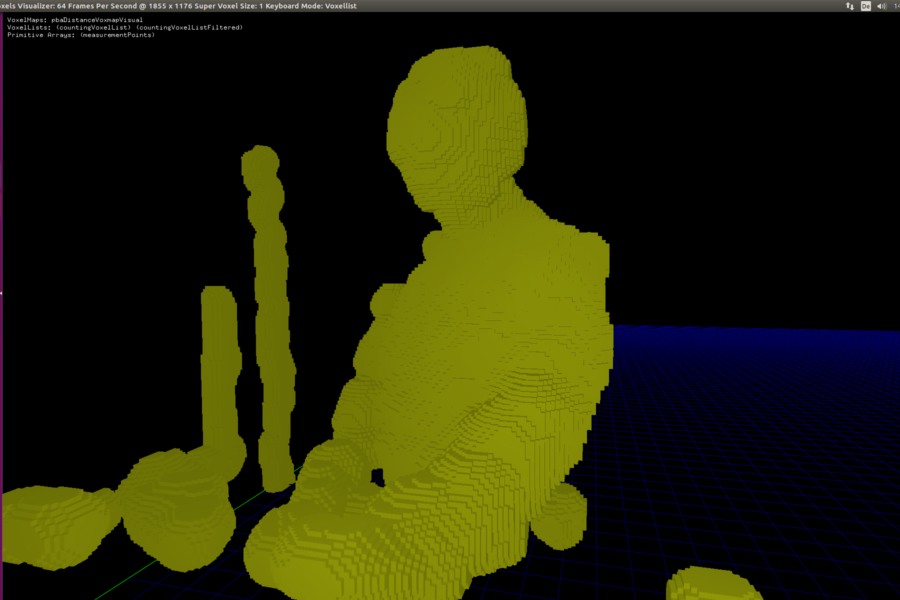

Dear GPU-Voxels users, we just released the 1.3.0 version!
As always you find the new release at GitHub.
Highlights
This release adds a lot of functionality and fixes many compatiblilty issues on newer systems:
- Adds CUDA 10.0 and Ubuntu 18.04 compatibility.
- Compilation with C++11 is now enabled by default.
- The new ROS-connected DistanceROSDemo example shows how to connect GPU-Voxels with any ROS point-cloud publisher
- Improved Visualizer Shared Memory error handling to avoid visualizer start-up issues
- Adds two rosbags with rosbags with ROS point-clouds
ROS interaction example DistanceROSDemo
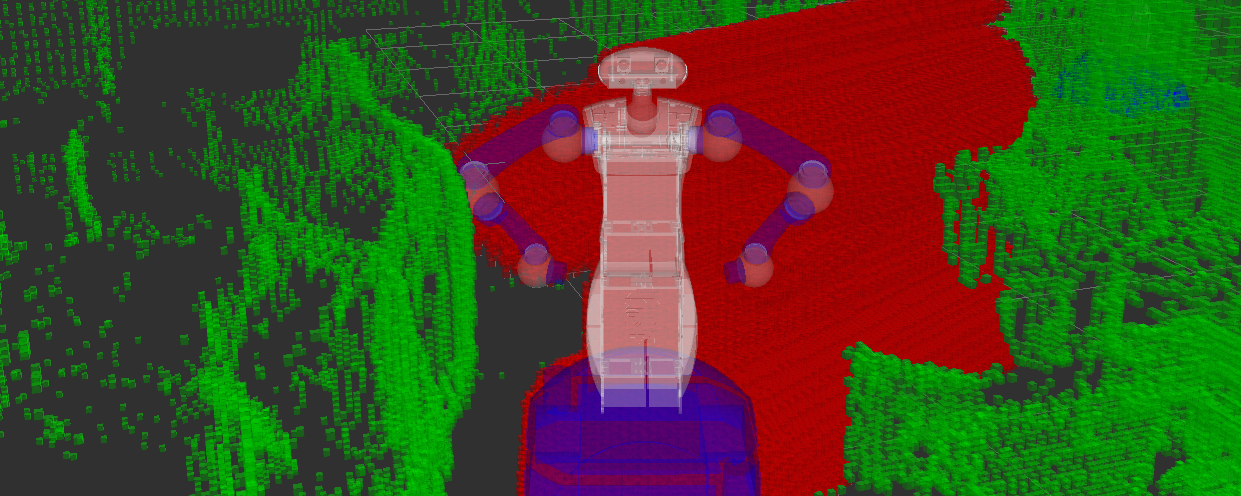
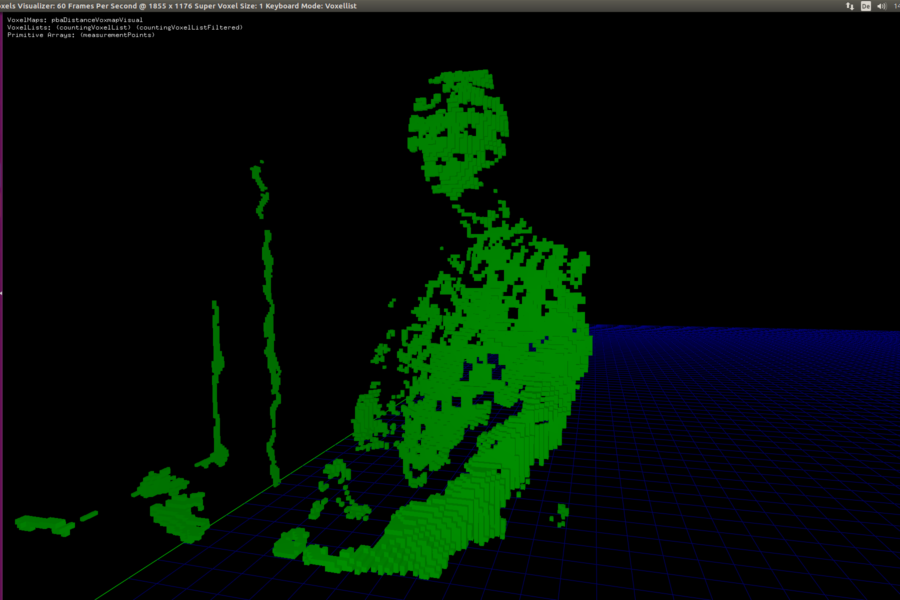
The DistanceROSDemo example subscribes to a ROS point-cloud topic and applies GPU-Voxels filters to it. This data can then be visualized using the gpu_voxels_visualizer or published to ROS again.
These commands show how to use the distance_ros_demo example to receive and visualize some example point-clouds:
# source ROS
# makes the roscore and rosbag commands available, and allows CMake to find ROS
source /opt/ros/kinetic/setup.bash

# make sure the build is complete
mkdir -p build; cd build
cmake .. # assumes .. is the gpu_voxels root directory, containing icmaker/ and packages/
cmake --build .

# A: start a roscore in one terminal
roscore

# B: start distance_ros_demo in another terminal
cd build
./bin/distance_ros_demo

# C: play a rosbag with pointcloud data in another terminal
rosbag play packages/gpu_voxels/models/rs2_d435_848x480_one_cloud.bag
# or
rosbag play packages/gpu_voxels/models/rs2_d435_848x480_hand.bag

# D: run gpu_voxels_visualizer to view a visulization of the live data structures of distance_ros_demo
Full Changelog:
Release 1.3.0: CUDA 10.0 and Ubuntu 18.04 compatibility. Uses C++11 by default. Adds ROS-connected DistanceROSDemo example. Improved Visualizer Shared Memory error handling.
Major changes
- Added DistanceROSDemo to show-case a ROS node subscribing to PCL point-clouds.
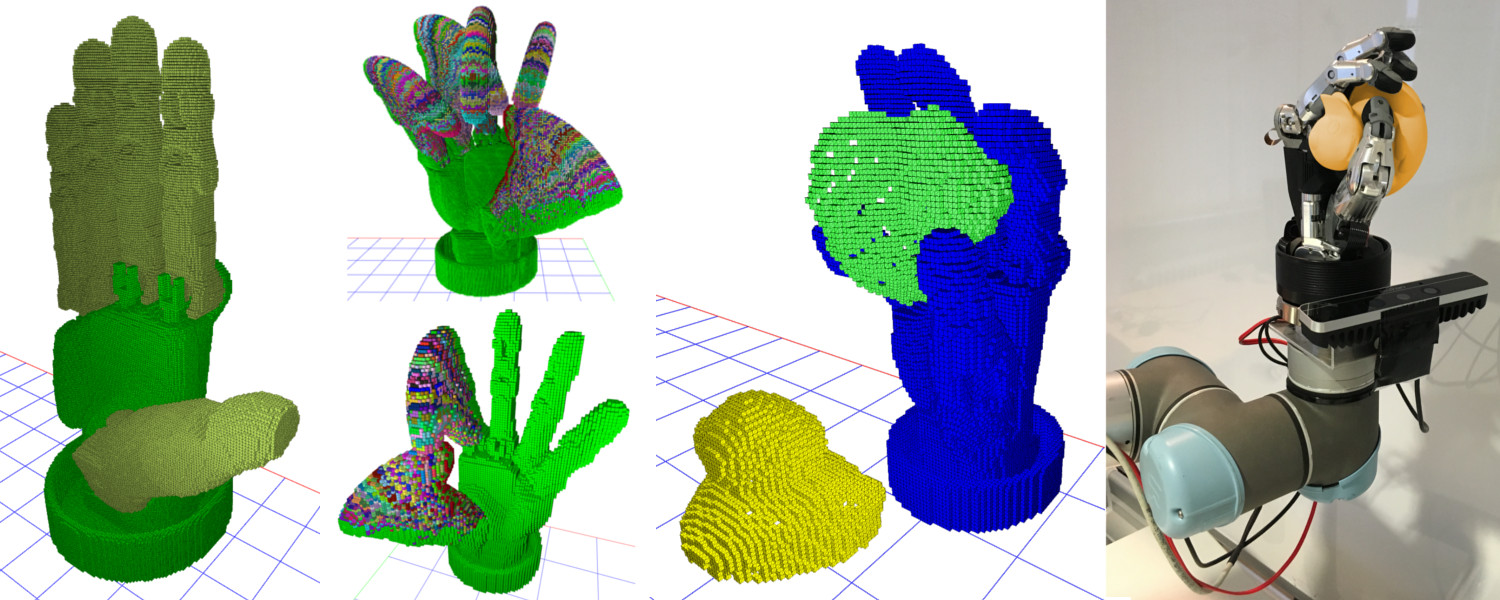
- Implemented additional merge functions
- Added TemplateVoxelMap.merge(TemplateVoxelList)
- Added functions to merge TemplateVoxelList into BitVoxelList and CountingVoxelList;
- Added TemplateVoxelMap::clone and TemplateVoxelList::clone, was previously
only available in DistanceVoxelMap - Added functions that implement the morphological operations Closing, Dilation and Erosion
- Added function getCenterOfMass to TemplateVoxelList and TemplateVoxelMap
- Added BitVoxelList::copyCoordsToHostBvmBounded: allows the selective copy of voxels with BitVoxelMeanings in a given range
- Updated icmaker and icl_core to fix issues with new Boost and CMake versions
Possibly breaking changes
- C++11 support is active by default. The new “indigo” branch has C++11 deactivated by default, is identical otherwise
- changed BitVoxelList::findMatchingVoxels signature:
- Implicitly set argument list1 to ‘this’.
- Add option omit_coords: if true, output VoxelLists will only contain voxel IDs and data but the coord_list will be empty (default). If set to false, voxel coordinates will also be copied to the output lists.
Additional changes
- gvl_ompl_planner:
- fixed collision check threshold value
- updated comments and logging output
- gvl_ompl_planner: added comment regarding LD_LIBRARY_PATH
- fix MetaPointCloud name unknown for robot links without geometry
- updated stb_image.h to version 2.19
- fix ROS&Urdf CMake discovery issue
- add tests for TemplateVoxelList and TemplateVoxelMap clone
- add hollie_from_pointcloud2.pcd for example DistanceVoxelTest.cpp
- fix a CountingVoxelList visualization issue
Known Issues
- Eigen 3 issues: can be fixed by cloning a more current unstable Eigen version and placing it in CMAKE_PREFIX_PATH
- on Ubuntu 18.04 with CUDA 10.0: “math_functions.hpp not found”
- Eigen 3.3.4 and 3.3.5 with CUDA 9.0, 9.1, 9.2: Error: class “Eigen::half” has no member “x”
- see http://eigen.tuxfamily.org/index.php?title=Main_Page#Download
- If the ROS dependency was found, but the GPU-Voxels URDF features are still unabailable, run
source /opt/ros/YOUR_ROS_DISTRO/setup.bashbefore running cmake. - Cuda 8.0: Code compiled with Cuda 8.0 works fine with older GPU drivers such as 375.66, but there are runtime errors with driver 384.111 and newer (“PTX JIT compilation failed”).
- Easy fix: use Cuda 10 with a current 410 or newer driver version. Cuda 10 is also available for Ubuntu 14.04 and 16.04.
- The GLM headers provided by Ubuntu 16.04 have to be patched to allow usage of the visualizer.
- see https://github.com/g-truc/glm/issues/530
- patch for /usr/include/glm/detail/func_common.inl in packages/gpu_voxels/doc/glm_fix_issu530.patch
- The constant cMAX_NR_OF_BLOCKS is currently limited to 65535, while current CUDA devices support over 2 billion blocks
- relevant during computeLinearLoad calls and collision checking
Read more | Comments Off on Release 1.3.0: Merging and morphing | Jan 11, 2019